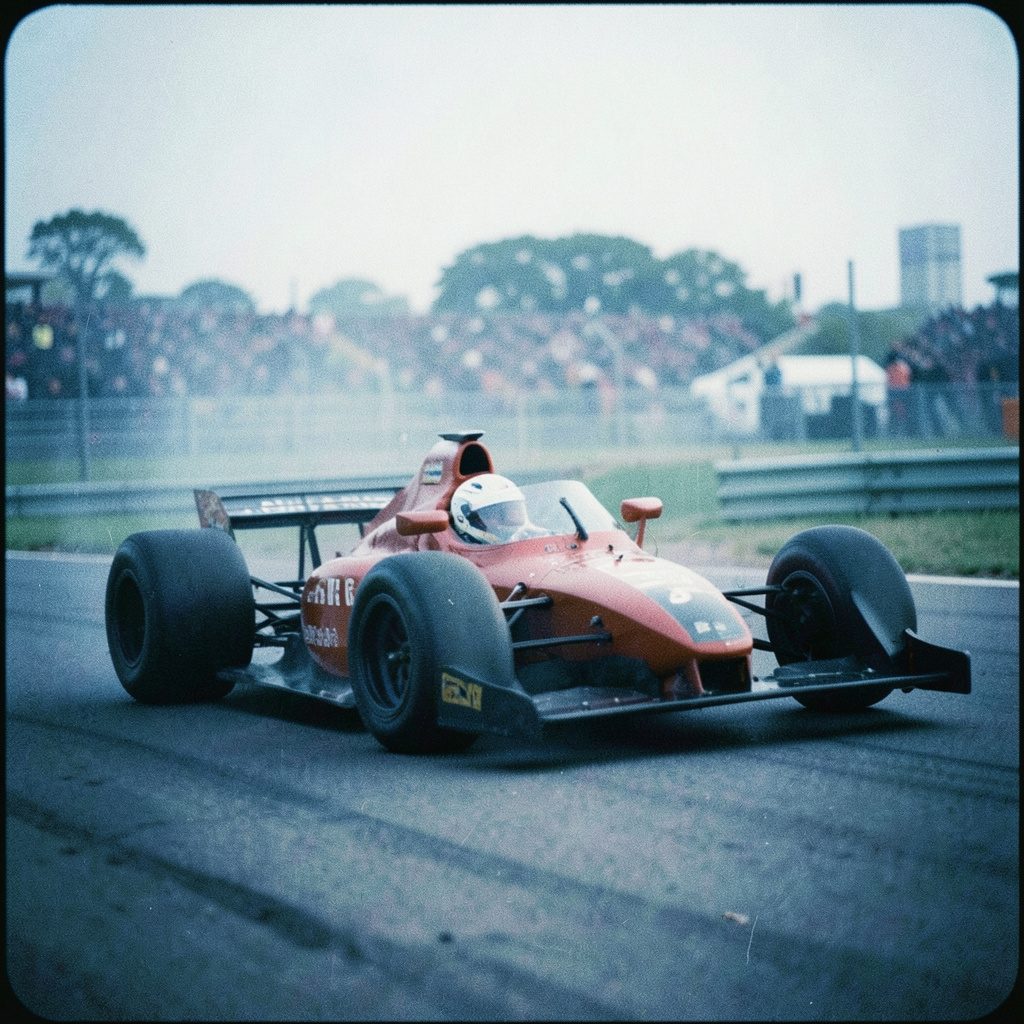
How to Create a Custom Character in Our Games
Creating a character is one of the easiest ways to make a browser game feel personal. A carefully chosen outfit, colour scheme, hairstyle, or set of accessories can turn a familiar game into something that feels like your own small adventure. On Kizi2games.org, children and casual players can experiment with character design while enjoying racing, puzzles, strategy, action, sports, and dress-up games.
The process is usually quick, even on a family computer or tablet. You can begin with a simple idea, test different appearances, and adjust the design until it suits the game. Whether you are preparing a princess for a special event, a driver for a race, or a hero for a fantasy world, the same basic creative choices will help you build a memorable avatar.
| Game style | Character choices to explore | Best design approach | Suitable mood |
|---|---|---|---|
| Dress-up | Clothing, hairstyles, shoes, accessories | Coordinate colours and themes | Elegant, playful, festive |
| Racing and driving | Helmet, suit, vehicle colours, decals | Use bold colours and clear details | Fast, sporty, adventurous |
| Action and shooting | Costume, equipment, character colours | Choose recognisable visual features | Brave, tactical, energetic |
| Strategy and puzzle | Avatar style, icons, team colours | Keep the design easy to identify | Clever, calm, competitive |
Choose A Game That Matches Your Idea
Start by deciding what kind of character you want to create and which game world suits that idea. Disney Princess Prom Dress Up is a natural choice for players who enjoy gowns, hairstyles, jewellery, and themed events. A racing or driving title is better for a character who needs a helmet, racing suit, or strong team colours.
Some games offer a full character editor, while others provide a smaller set of appearance options. Super Stack may focus more on timing and construction than personal appearance, whereas games such as Dynamons World can make your selected creature or team feel like part of a larger adventure. Checking the game style first prevents you from expecting costume tools in a title designed around quick challenges.
Players in Australia may enjoy choosing a design based on their local routine. A beach-inspired colour palette can suit a sunny weekend in Brisbane or Perth, while a bold street-racing look might fit the busy energy of Melbourne or Sydney. During school holidays, a simple design that can be created quickly is useful when several family members are sharing the same device.
Plan The Character Before Editing
A short plan makes the customisation process easier. Decide on three features before clicking through the options: the character’s role, their main colours, and the feeling you want the design to create. For example, a friendly explorer might use green, tan, and blue, while a competitive racer could use black, red, and white.
Think about contrast as well as style. A dark jacket may disappear against a dark background, while a pale accessory can become difficult to see on a bright screen. Two or three main colours are usually enough. A limited palette gives the character a consistent appearance and helps other players recognise them during a busy match or challenge.
Useful design decisions include:
- Choose a main colour that reflects the character’s personality.
- Select one standout feature, such as a hat, cape, hairstyle, or pair of glasses.
- Match clothing and accessories to the game’s setting.
- Avoid adding so many details that the character becomes difficult to recognise.
You can also sketch a rough idea on paper before starting. This works well for younger players who want to compare outfits or plan a team theme. Australian children often move between school, sport, and family activities, so a quick sketch can save time when there is only a short gaming session before dinner or homework.
Use The Editor Tools With Purpose
Most character creators follow a similar pattern. You choose a base model, open categories such as hair or clothing, test an option, and then move to the next feature. Work from the largest elements to the smallest: body type or base colour first, clothing second, and accessories last.
If the game offers colour controls, try nearby shades instead of changing every item randomly. A navy top with light blue details can look more polished than a collection of unrelated colours. If there are patterns or prints, use them on one main item so the character keeps a clear visual focus.
Pay attention to the preview area. Rotate or view the character from different angles when that option is available. A hairstyle that looks excellent from the front may cover an accessory from the side. Shoes, backpacks, tails, wings, and other larger items can also affect how the character moves or fits within the game screen.
Many browser games load directly without installing an app, which makes experimentation convenient on laptops, tablets, and school-approved devices. Players should still use a trusted browser and avoid clicking unfamiliar adverts or download prompts. Free access should not require sharing personal information, installing unknown software, or entering payment details.
Match The Design To The Way You Play
A character’s appearance can support the way you approach a game. In a racing title, bright colours and a simple silhouette make it easier to follow your avatar during quick turns. In Battleship War, visual customisation may be less important than strategy, but a distinctive profile or team colour can still make the session feel more personal.
For dress-up and role-playing games, the character’s story can guide every choice. You might create a royal guest for a formal celebration, an outdoor adventurer for a journey, or a sporty friend preparing for a weekend competition. The design becomes more enjoyable when the outfit has a reason rather than being a random collection of items.
Try these combinations when you need a starting point:
- Use warm colours for a cheerful, energetic character.
- Pair metallic details with dark clothing for a futuristic hero.
- Combine natural colours for an explorer, gardener, or animal friend.
- Choose matching colours for a group of characters or a racing team.
The same idea works across different categories. A character built for a sports game may need a practical outfit, while an avatar in a princess game can focus on elegance and detail. If you explore IO games, you may find fast multiplayer-style experiences where a clear colour scheme helps your character stand out among many moving players.
Keep Personal Information Out Of The Design
A custom avatar should show imagination without revealing private details. Avoid using your full name, school name, home suburb, phone number, birthday, or sports club information as a username, slogan, or character label. A fictional name is safer and can make the character feel more like part of a game world.
Parents and carers can help younger players review the options before a game begins. Australia’s Privacy Act 1988 and the Online Safety Act 2021 form part of the country’s broader approach to privacy and online safety, but families should still make practical decisions about what children share. A game’s privacy settings and community features may differ from one title to another.
Good safety habits include:
- Use a nickname that does not identify your real-life location.
- Do not upload personal photos to create an avatar.
- Ask an adult before following an external link or entering information.
- Leave chat or multiplayer areas that become uncomfortable or inappropriate.
- Report suspicious messages, requests, or behaviour through the available tools.
These habits matter whether a player is using a home computer in Adelaide, a tablet in Canberra, or a shared device while travelling between activities. If you want broader online design inspiration, creative game ideas can help you think about themes and visual concepts without copying personal information into a public profile.
Save, Review, And Refresh Your Avatar
When the character looks right, use the game’s save, apply, or play button. Some browser games save progress automatically through the session, while others require a specific confirmation. Read the on-screen labels carefully before leaving the page, especially if you have spent time creating a detailed outfit.
Take a moment to test the character in the actual game. A design that looks perfect in an editor may be hard to see during a race, puzzle, or action sequence. Check whether accessories block important visual clues, whether the colours blend into the background, and whether the character remains easy to identify when the screen becomes busy.
Customisation does not have to be permanent. You can create seasonal looks for Australian summer, winter, birthdays, school holidays, or special in-game events. A beach palette may suit December, while deeper colours and warm clothing can create a winter style for July. Changing one or two features is often enough to make the avatar feel fresh.
If a game does not save a design after closing the browser, take note of the settings or recreate the look with a simpler plan. Avoid assuming that browser storage is permanent, particularly on a shared computer or a device that clears its history regularly. Keeping the design idea in your memory or on paper makes it easy to rebuild later.
Choose a game, create a character concept, and begin with a few colours and one memorable feature. Explore the available options at your own pace, test the finished avatar in play, and adjust the design whenever you discover a better combination. Your next character can be ready in minutes, whether you are racing, solving puzzles, dressing for a celebration, or entering a new adventure.